You may want to use your phone without worrying that a tap will take you somewhere unfamiliar. This book gives you clear, independent methods for calls, texts, photos, video chats, settings, organization, and backup-status awareness.
Plus 3 separate bonus books.Including Unexpected Contact Record and Official Support Route.
One digital bundle. PDF to read or print, plus EPUB for e-readers.
170Pagesin the main book
11Chaptersread in any order
3Bonus booksall included
Instant downloadPDF + EPUB for any device or e-reader
30daysRead-It-First Guarantee30 days, every dollar back
01 · How it helps
For the phone moments that make you stop
Use these lessons when a familiar task suddenly looks different. Each method gives you a calm route to follow.
1When you feel lost
I tapped something and a strange screen appeared. What now?
✓Return from an unfamiliar screen with the lock, Home, and reopen routine: stop, then lock, go Home and reopen, using only confirmed steps. Chapter 01
Should I close all my open apps to keep things tidy?
✓Open, switch between, and close apps without losing your place: switch when you plan to return, and close only apps you want removed. Chapter 01
2When a call surprises you
Should I call back straight from the missed-call list?
✓Find a missed call in Recents and return it from the saved contact card: a familiar name there is not proof of who called. Chapter 02
An unexpected caller says there is a problem. What do I do?
✓Pause an Unexpected Contact and Open Official Support Independently: close the incoming call or message first, then find a known support route yourself. Chapter 03
3Sharing and keeping photos
How do I send a few photos without sending them all?
✓Select and share several photos without sending the entire album: watch for Select All, and check the share preview before anything leaves. Chapter 04
If I put photos in an album, are they backed up?
✓Organize Selected Photos into a Named Album: an album helps you find chosen photos, but it does not prove where copies exist. Chapter 11
4When settings get confusing
How do I find my way back after changing a setting?
✓Record your current display and sound settings before changing them: write down each control's label and position, or take a picture. Chapter 06
The setting in the lesson isn't on my phone. Now what?
✓Search Settings Using Alternate Terms: if Settings shows a search field, test the exact term and plain alternatives one at a time. Chapter 08
02 · What’s inside
Inside the 11 chapters
The book is arranged around ordinary phone tasks, from getting home on the screen to checking photo backup status. Chapters include separate methods, a small task for tomorrow, and a plain example of the problem being solved.
01
Getting Home and Knowing Where You Are
Chapter 1
Practice tap, long-press, swipe, and scroll on a no-risk screen
Find your way Home on an iPhone with Face ID, an iPhone with a Home button, or an Android phone
Go back one screen without closing the task
Open, switch between, and close apps without losing your place
Show and hide the keyboard when it covers the button you need
Return from an unfamiliar screen with the lock, Home, and reopen routine
02
Calls, Contacts, and Voicemail
Chapter 2
Answer or decline a call when the phone is locked or already in use
Call a person from Contacts instead of typing the number
Add a new contact from a recent call and correct a wrong entry
Put your most-called people in Favorites for one-tap calling
Use Speaker, Mute, and Keypad during a call without hanging up
Find voicemail and play, save, or delete a message
Find a missed call in Recents and return it from the saved contact card
03
Texts, Links, and Suspicious Messages
Chapter 3
Open an unread text and return to the full conversation list
Start a new text by choosing the right person from Contacts
Type, correct, and send a message without losing the draft
Dictate a text and review every word before sending it
Save a photo received in a text to Photos or Gallery
Mute or leave a busy group text without blocking family members
Pause an Unexpected Contact and Open Official Support Independently
Record an Unknown Caller or Sender Label Without Replying
04
Photos You Can Take, Find, and Send
Chapter 4
Take a clear photo and switch between the front and rear cameras
Find the photo you just took in Photos or Gallery
Send one photo by text from the Photos or Gallery app
Select and share several photos without sending the entire album
Crop, rotate, and undo a photo edit without losing the original
Make a read-only photo index without changing the library
05
Video Calls and Everyday Apps
Chapter 5
Join a video call from a trusted text or email invitation
Start a FaceTime or Google Meet call from a saved contact
Allow camera and microphone access when a video app says they are blocked
Mute, unmute, switch cameras, use the speaker, and leave a video call
Install a requested app from the official store without starting an unwanted paid trial
Find an installed app with iPhone Search, App Library, or the Android Apps list
06
Make the Screen Easier to Read and Use
Chapter 6
Record your current display and sound settings before changing them
Increase text and display size without hiding important buttons
Use bold text, higher contrast, and color settings one at a time
Turn on magnification or Zoom only after you know the exit action
Adjust brightness, dark appearance, and screen timeout where you normally read
Set call volume, media volume, ringtone, and vibration separately
Quiet distracting notifications while keeping wanted calls and messages
Put the apps you use most on the first Home screen
07
Make the Phone Hard to Mess Up
Chapter 7
Compare simplified-view options with current guide labels and a read-only task list
Turning Samsung Easy mode on goes together with knowing how to turn it off
Visible Android navigation buttons put fixed Back, Home, and Overview targets at the screen edge
In Control Center or Quick Settings, remove the controls you do not use
Review One App's Notification Setting
To prevent controls from moving when the phone rotates, keep the screen in portrait orientation
08
Finding Settings When Menus Look Different
Chapter 8
Write Down Your Exact Phone Identity
Search Settings Using Alternate Terms
Trace an App Permission Without Guessing
Translate a Generic Android Path
Use Official Support After a Menu Change
09
Choosing the Easiest Phone for You
Chapter 9
Build a must-have card for vision, hearing, hand control, apps, family support, and budget
Decide whether to simplify your current phone or replace it
Compare iPhone and Android with the same everyday tasks
Read Samsung A, S, Z, and FE model names without choosing by the letters
Compare a standard smartphone, a Jitterbug smartphone, and a flip phone by missing functions
Compare Two Phones with a Familiar-Task List
Use a New Phone for Five Familiar Practice Tasks
10
Everyday Calendar, Reminders, Alarms, Notes, and Contacts
Chapter 10
Create One Calendar Event and Check Every Field
Put a Reminder on the Right List
Label an Ordinary Alarm So You Know Why It Rings
Make a Note with a Short Checklist
Clean Up One Contact Card Without Losing the Original Details
Build a Five-Minute Weekly Organizer Review
11
Photos, Backup Status, and Getting Familiar with a New Phone
Chapter 11
Draw a Familiar Phone Layout Map
Organize Selected Photos into a Named Album
Read a Photo App's Displayed Backup Status
Make a Nonsecret List of Frequently Used Apps
Check Which Familiar Apps and Photos Are Visible on a New Phone
03 · Your 3 bonus books
Three large-print bonus guides
You also receive guides for unexpected contacts, easier-to-read settings, and photo organization with backup-status records. They are designed for visible details, familiar settings, and official support routes.
$32 estimated bonus valueAll 3 included with your $29 book
Bonus book 1 of 3
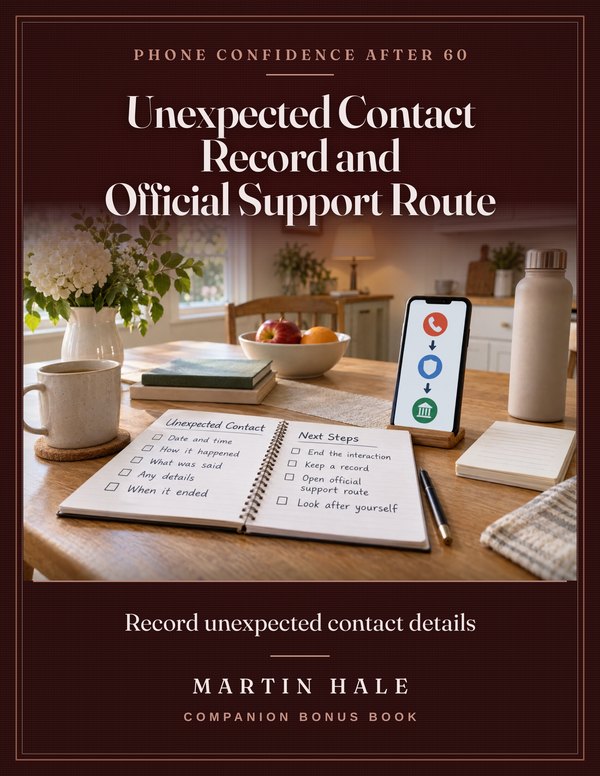
Unexpected Contact Record and Official Support Route
Record unexpected contact details
A large-print visible-detail record for an unexpected contact, ending the interaction, and independently opening a known official support route. It gives no sender-management or transaction instructions. 26 pages.
Estimated value $9Included with the $29 book
Bonus book 2 of 3
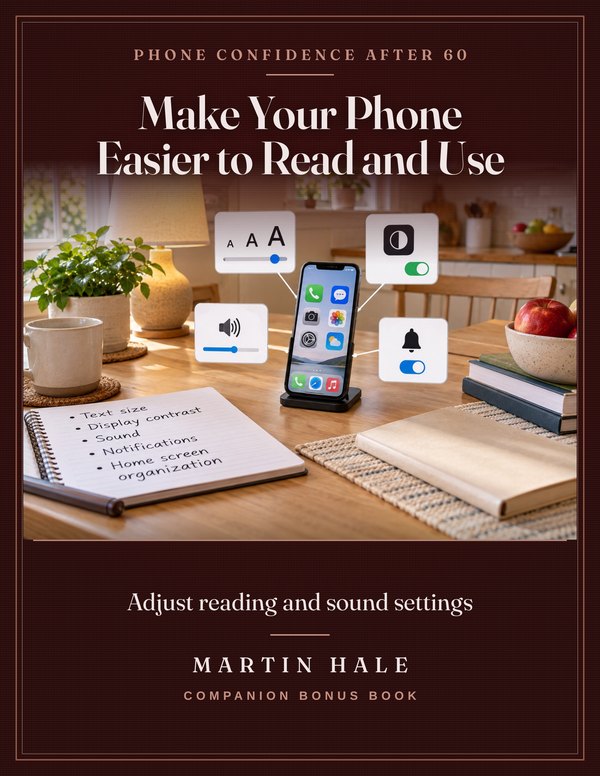
Make Your Phone Easier to Read and Use
Adjust reading and sound settings
A large-print guide to ordinary text size, display contrast, sound, notification, and home-screen organization settings on iPhone and Android. 36 pages.
Estimated value $11Included with the $29 book
Bonus book 3 of 3
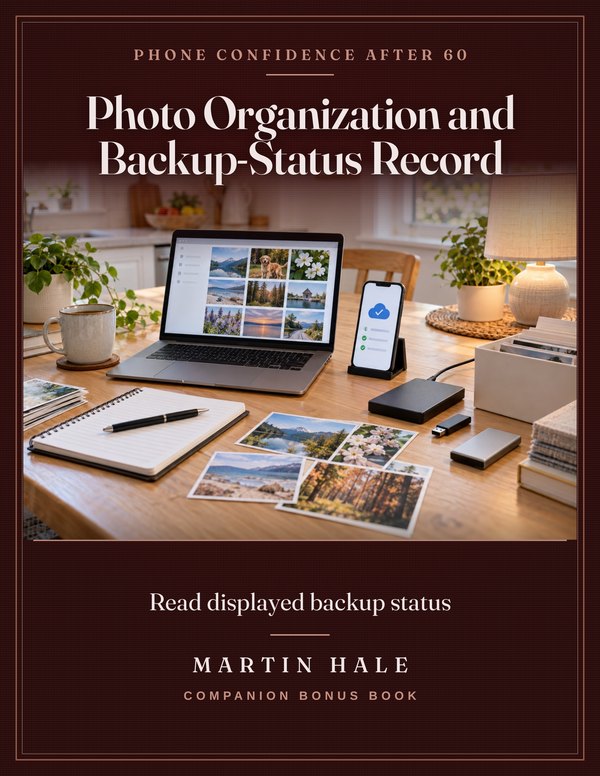
Photo Organization and Backup-Status Record
Read displayed backup status
A large-print record for photo organization, storage awareness, exact displayed backup-status wording, and independently locating official guidance while leaving settings and content unchanged. 19 pages.
Estimated value $12Included with the $29 book
Plus, at no extra charge: lifetime updates to the main book.
Individual values are estimates set by Martin Hale, not previous selling prices. No physical books are shipped.
04 · The honest part
What you won’t find in this book.
✕Not in this book: A claim that every phone has the same menu path.
I show you how to identify your phone and software, then find a dependable route when labels differ.
✕Not in this book: Instructions to share passwords or account details.
I keep the focus on visible phone steps and independently opening official support.
✕Not in this book: A shortcut that changes settings without checking the way back.
I show you how to record the current setting and the undo route before making a change.
✕Not in this book: A promise that a new phone will suit everyone.
I show you how to compare phones using familiar tasks and your own must-have list.
Martin
Martin Hale
05 · Who wrote it
A patient technology explainer at the kitchen table
Martin Hale is 68 and has spent 32 years explaining consumer technology in plain English.
He works from a simple kitchen-table setup anyone can copy at home, with current iPhone and Android menus, the phone model and software version named when it matters, and links to the official support pages.
His book never asks for a password and does not pretend to be Apple or Google support. It helps adults over 60 learn the phone they already own, one useful step at a time.
PDF and EPUB editions to download, read or print. No subscription. No shipping.
170 pages · 11 chapters · 3 bonus books
The Smartphone Handbook After 60
For $29, you receive the 170-page digital book, the three bonus guides, and the 39-page workbook as digital PDF files. After payment, download the files and begin with the task that matters to you.
$29$39Launch price — ends October 20
The materials let you choose a familiar phone task and work through it at your own pace.
What you get for $29:
Individual values below are publisher estimates. Everything is included in your $29 purchase.
The Smartphone Handbook After 60
70 Clear iPhone and Android Lessons for Everyday Use After 60
$39
Bonus book 1Unexpected Contact Record and Official Support Route
A large-print visible-detail record for an unexpected contact, ending the interaction, and independently opening a known official support route. It gives no sender-management or transaction instructions. 26 pages.
Est. value$9Included
Bonus book 2Make Your Phone Easier to Read and Use
A large-print guide to ordinary text size, display contrast, sound, notification, and home-screen organization settings on iPhone and Android. 36 pages.
Est. value$11Included
Bonus book 3Photo Organization and Backup-Status Record
A large-print record for photo organization, storage awareness, exact displayed backup-status wording, and independently locating official guidance while leaving settings and content unchanged. 19 pages.
Est. value$12Included
The printable field kit
39 printable pages: the worksheets and cards to use beside the book.
Included
Lifetime updates
Future revisions of this book at no extra charge.
$21
3 bonus books combined$32
Total estimated package value$92
You pay today$92$29
Secure one-time checkout. Your digital books are ready to download after confirmed payment.
Instant download · PDF + EPUB · print only the pages you need
Published by Martin Hale
30days
The Read-It-First Guarantee. Read the whole book and try it for 30 days. If it is not worth what you paid, ask for your money back through Whop, where you paid, and every dollar comes back, no questions asked. Whatever you have already downloaded, bonus books included, stays yours. You should not have to judge a book by its sales page.
07 · Questions
Questions worth answering
What exactly do I receive?
You receive the 170-page digital book, three bonus guides, and the 39-page workbook. They are delivered as digital PDF files after payment.
Can I print it?
The materials are supplied as digital PDF files. You can use them on a screen or print them according to the options available to you.
Is it for me?
This book is for a reader who wants independent methods for everyday smartphone tasks. You can pick the lesson that fits the task in front of you.
How do I start?
After payment, download the PDF files. Start with the chapter that matches the phone task you want to handle.
What if it does not help me?
Ask for your money back through Whop within 30 days and every dollar comes back, no questions asked. That is the Read-It-First Guarantee: read the book first, then decide.
What if my menus look different?
The book includes methods for recording your exact phone identity, searching with alternate terms, and using official support after a menu change. It also explains why model and software differences can matter.
Does the book cover photos and backup status?
Yes. It covers taking, finding, sending, editing, and organizing selected photos. It also shows you how to read the backup status displayed by your photo app.
Can I read it on a Kindle or e-reader?
Yes. The main book also comes as an EPUB file, which opens in Kindle (through Send to Kindle), Apple Books, Kobo and Google Play Books. The workbook and bonus books are PDFs, made to read on screen or print.
Use the smartphone you already own.
Choose a task that matters to you. Follow the visible steps, keep a written note when useful, and return to the book whenever you need it.
$29 once · 30-day Read-It-First Guarantee · instant digital download